 Deutsch
 English


 Shopify

Automating Shopify customer service. Without sacrificing quality.
Your support grows with your revenue – but your team doesn't grow at the same pace. This guide shows you step by step how to automate customer service in your Shopify store without making customers feel processed.
The same questions every day. And at night the customer waits.
Where is my order? What are the shipping costs? Can I exchange it? Answering each of these manually costs your team time that's missing for real problem cases. And customers who write at night or on weekends often wait hours for a reply.
Automation doesn't mean replacing people. It takes the repetitive work off their plate so your team can focus on the requests where humans truly matter.
Not everything should be answered by a bot. A good rule of thumb.
Ideal
The AI answers these from your data.
With caution
AI helps here, but it should draw on your real product data.
Always to a human
A good bot recognises these cases and hands over cleanly.
Automated in four steps. Knowledge, grounding, tone, measuring.
1. Build your knowledge base
Instead of laboriously maintaining rules, you give Paldra your domain, FAQ pages or documents. The bot reads and indexes them automatically and then answers exclusively based on these sources.
2. Grounding instead of guessing
Answers come from your data, not from the general language model. Otherwise the AI invents shipping costs or return periods. If it finds no reliable answer, it says so honestly and hands over to your team.
3. Set tone and handover
Casual or formal, with or without emojis. Where a person is needed, the conversation lands in the team inbox with the full history. That way no gap opens up between bot and human.
4. Measure and refine
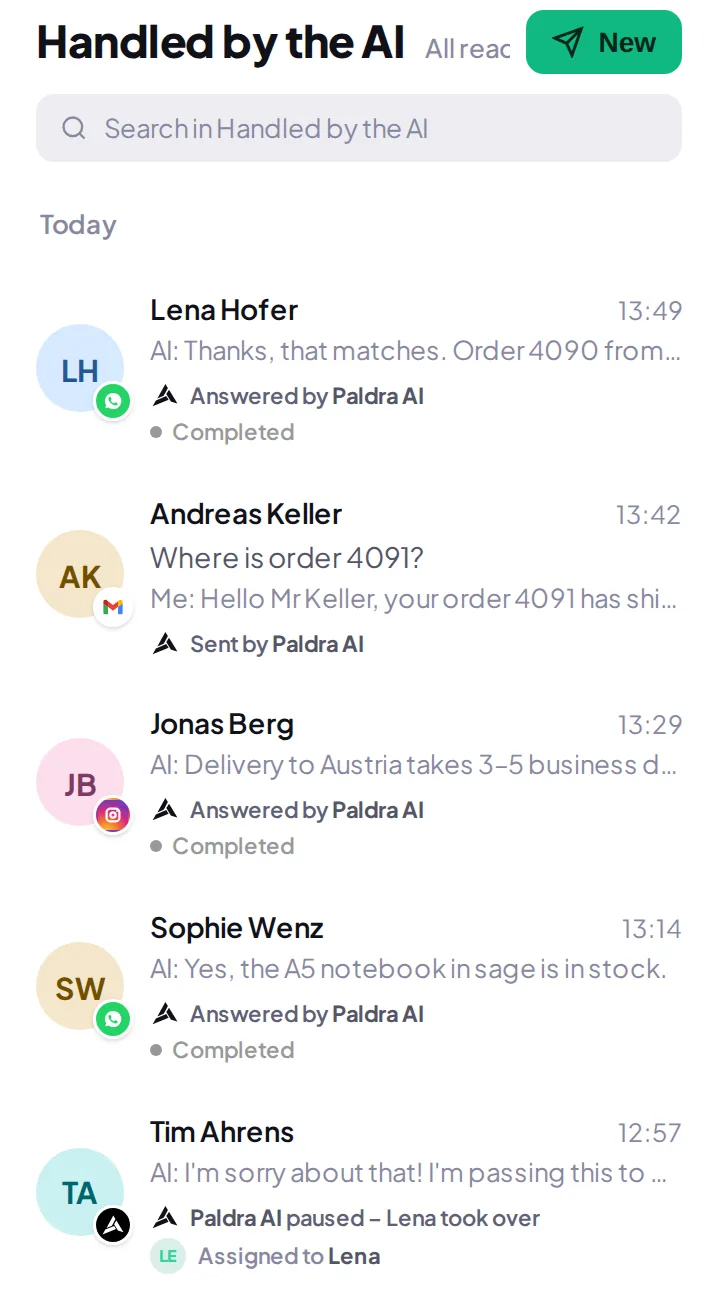
The dashboard shows which questions were automated, where the AI was unsure and where customers dropped off. You fill those gaps with content, and the rate climbs week after week.
Where is my order? Answered live from your store.
Order status, tracking, stock, prices, shipping and return rules: Paldra reads them via the official Shopify API and verifies every answer. Before sharing an order status, the chat asks for the order email.
It changes a delivery address secured by a one-time code. Where a person is needed, it hands over. More on the Shopify chatbot page.
Start with the top 5 questions, measure the results, then expand. That's how you build trust, with your customers and within your team. Trying to automate everything at once is the most common mistake.
No longer a major project. Knowledge, grounding, clear handover.
With a clean knowledge base, grounding against hallucinations and clear handover, you take the load off your team and cut waiting times. What that looks like in real stores is shown in the case studies.
One click via Shopify, also as an embedded app in your admin.
Paldra reads your website and pulls products, stock, prices and rules via the official API.
Check menu, tone and data access, adjust if needed, go live.
Which requests are suitable for automation?
Ideal are shipping and delivery times, order status, returns and exchanges, product details, size charts, payment methods and opening hours. For product advice and purchase recommendations AI helps, but it should draw on your real product data.
What should always go to a human?
Complaints, warranty claims, emotional or legally sensitive topics. A good bot recognises these cases and hands over cleanly to your team.
How do you prevent wrong answers?
With grounding: answers must come from your data, not from the general language model. Otherwise the AI invents shipping costs or return periods that don't exist.
What happens when the AI finds no answer?
It says so honestly and hands over to your team. The conversation lands in the team inbox with the full history.
How does the chatbot know the order status?
Paldra reads order status, tracking, stock and prices via the official Shopify API and verifies every answer.
Where should I start?
With the top 5 questions. Measure the results, then expand. Trying to automate everything at once is the most common mistake.
Your Shopify support. Relieved, not replaced.
14 days free, no payment method needed.